Install Filoteca
Download the app on your Android TV, Fire TV, Android phone or Windows PC.
 FILOTECA
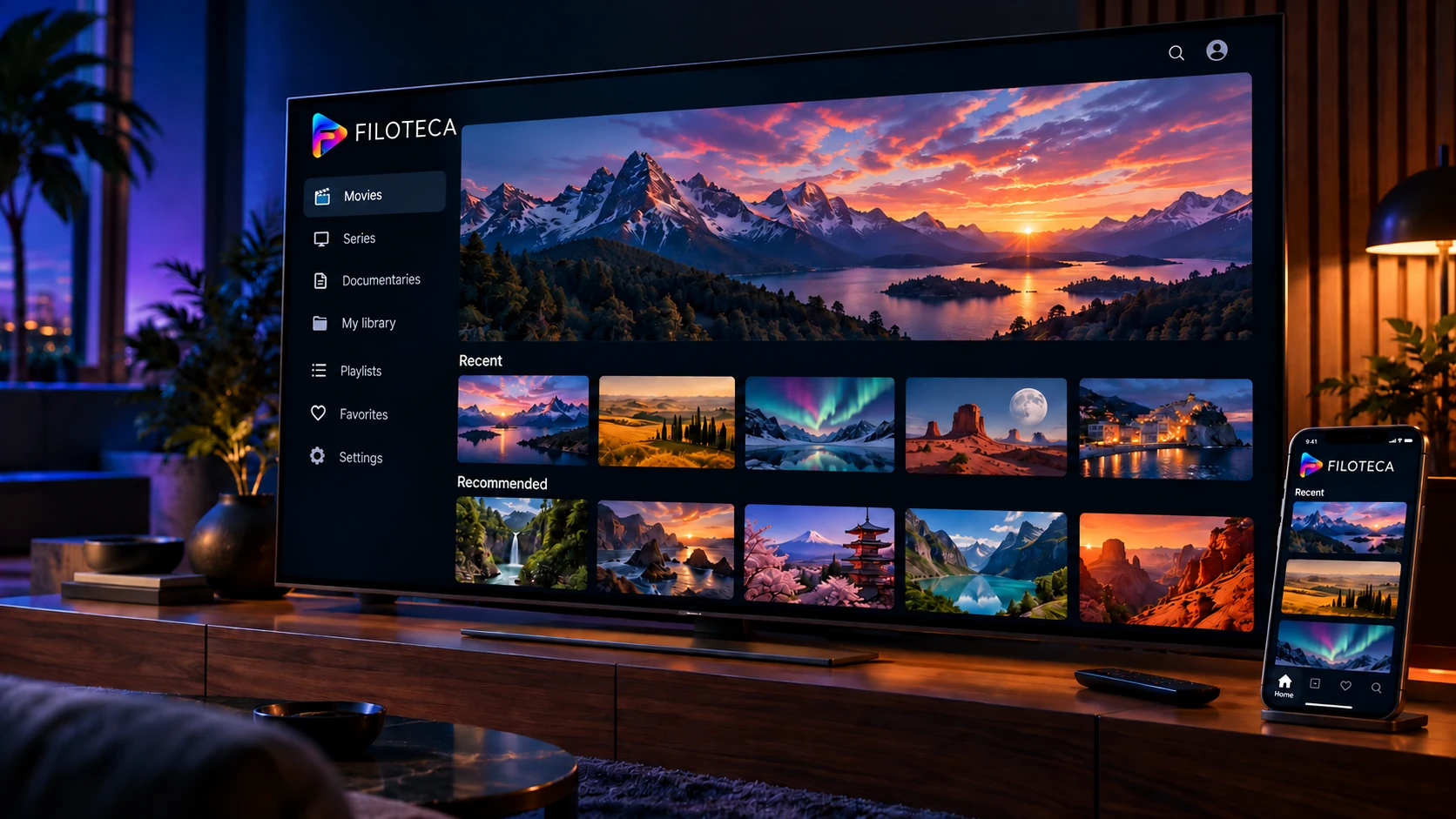
A media and IPTV player (M3U and Xtream lists from your provider) and a Jellyfin, Emby and Plex client for Android TV, Fire TV, Android and Windows. No channels or content included: you connect your own sources.
Try Premium for freeTry the live demo →
Your content, in 3 steps.
Download the app on your Android TV, Fire TV, Android phone or Windows PC.
Add the playlists, services or content you have access to.
All your content, organized in a modern, customizable interface.
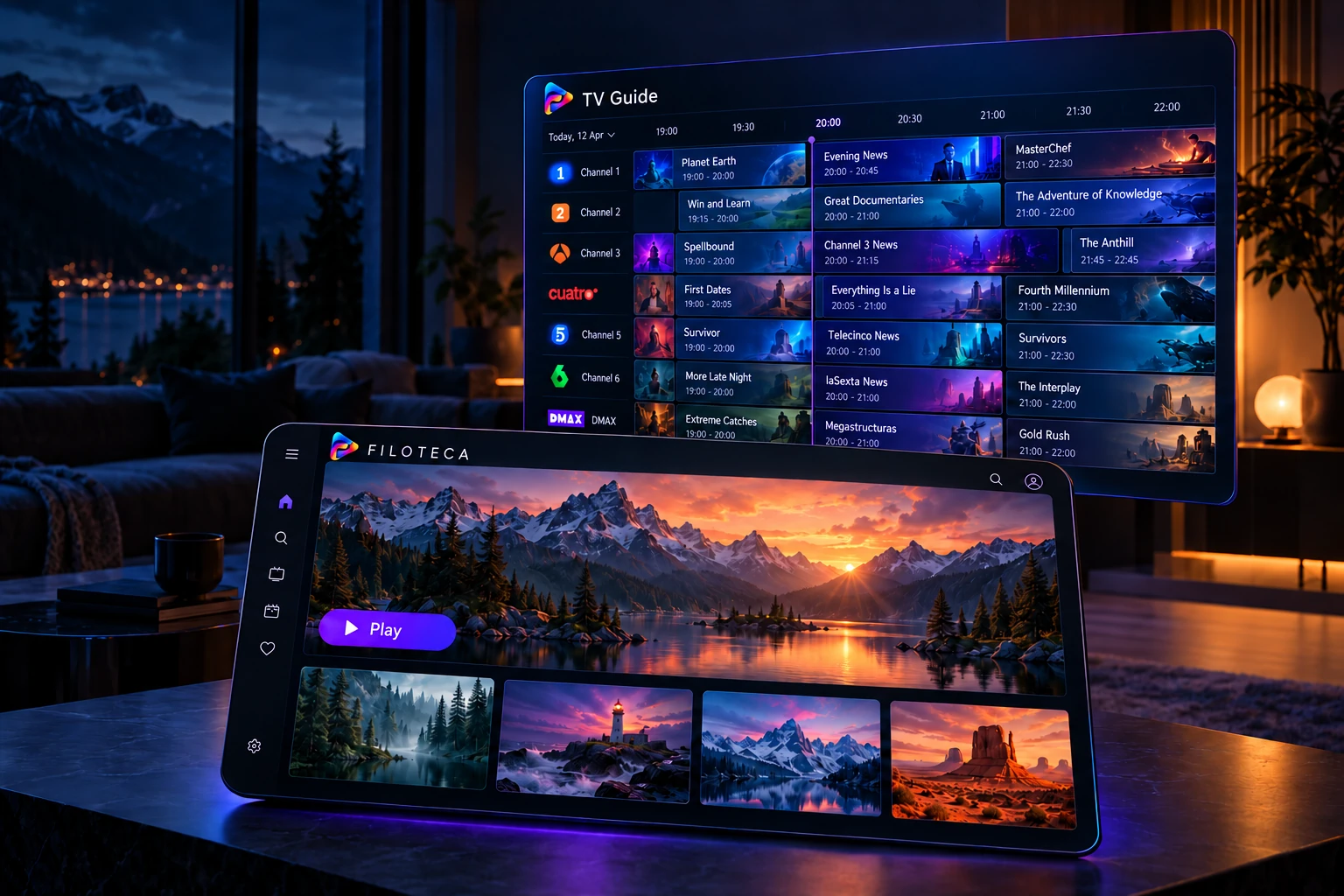
Organize, discover and enjoy your content just the way you want.
With a program guide (EPG) and customizable categories.
For the whole family.
Quick access to your content.
Pick up where you left off on any device.
Organize movies, series and more by category, tag and cover art.
Cover art, synopses, cast and much more.
Find what you want to watch, easily.
Make Filoteca your own.
Cast to your TV from your phone, with the controls in your hand.
Control Filoteca on your TV from your phone or any browser on your network.
What you were watching shows up on your TV’s home screen.
Jellyfin, Emby and Plex with collections, new arrivals and watched status in sync.
Start on your phone, carry on on the TV or laptop, without losing your place.
On the phone’s detail page, pick your TV or PC and start watching there, from where you left off.
A notification with cover art, pause, next, stop and volume for what plays on your screens.
Sources, favorites and progress, the same on all your devices over your home network.
Pause a live channel, go back, and return to live whenever you want.
Save movies and episodes to watch without internet; on Android, also to a USB drive or card.
DLNA/UPnP servers, SMB shares, device folders and tuners like HDHomeRun, as one more source.
Twenty-three complete looks, built in. Switch any time in Settings → Appearance; here is how each one looks on PC, TV, tablet and phone.
This is the real app with a shared demo account: classic cinema and free-to-air channels. Anything you mark stays in your browser. It lasts 3 minutes. It is only a demonstration: the downloadable apps use no proxy.
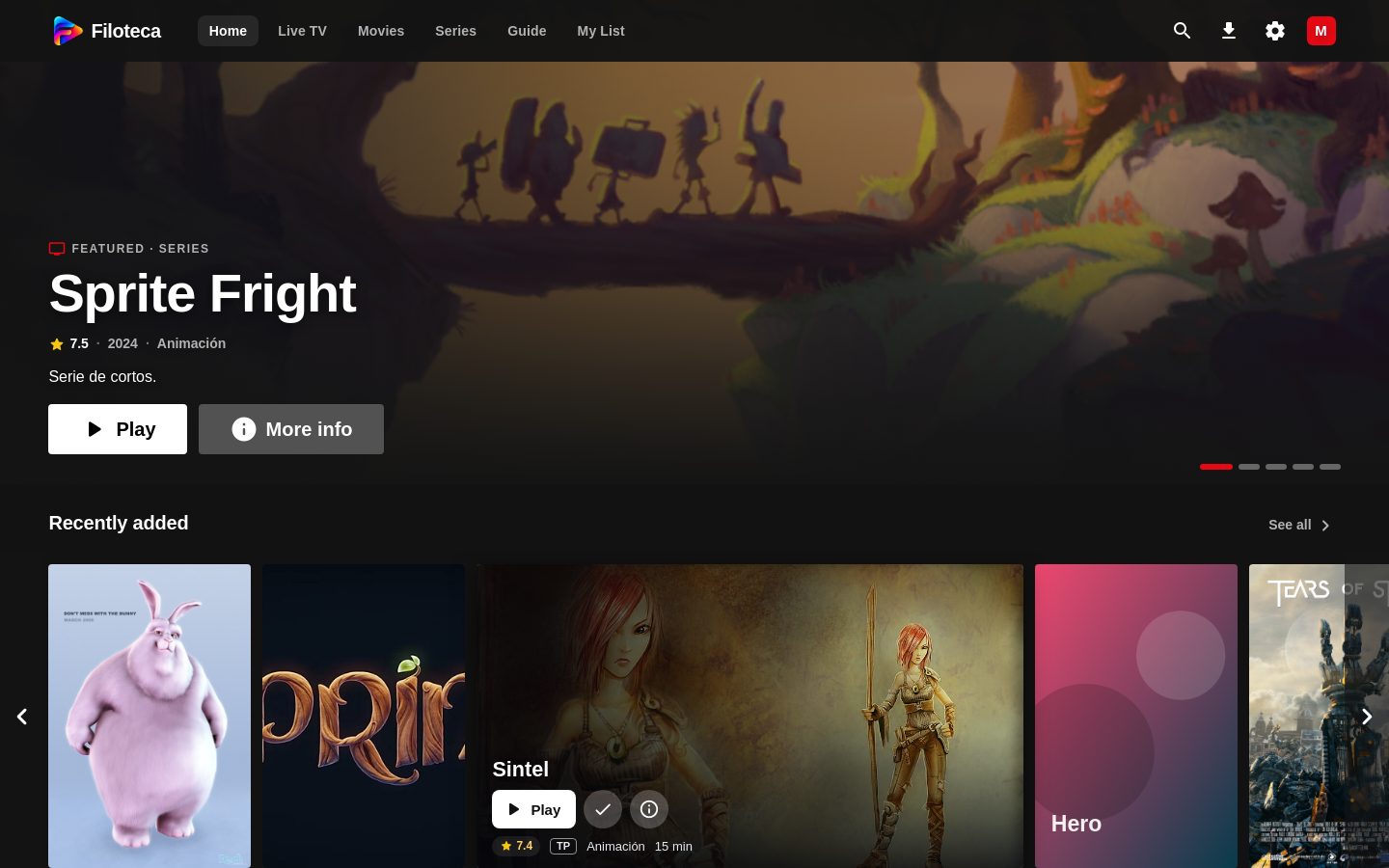
The original design, dark or light depending on the theme.
Sample catalogue with the Blender Foundation open movies. Posters and stills under CC BY licences, from Wikimedia Commons.
Start free. Pick Individual for one device or Premium for your whole home, and extend Premium whenever you like.
Discover Filoteca with your own sources.
No limits, on a single device.
One-time payment, no subscription. Each Individual licence is independent: to connect your devices, choose Premium.
Launch price
Your library, without the free version’s limits.
One-time payment, no subscription. Free a device when you change TV.
Pago único, sin suscripción. Libera un dispositivo al cambiar de tele.
What you gain at each step. The full feature list is below.
| Free | Individual | PremiumRecommended | |
|---|---|---|---|
| Price | €0 | €9.99 one-time | €29.99 one-time |
| Devices | Each with its limits | 1 | 3 |
| Your sources without limits | — | ✓ | ✓ |
| Library, guide and favourites | ✓ | ✓ | ✓ |
| Viewer profiles | 2 | Unlimited | Unlimited |
| Interface looks | 1 (“Cinema”) | 14 | 14 |
| Phone as a remote | — | — | ✓ |
| Watch on another screen | — | — | ✓ |
| Sync between devices | — | — | ✓ |
| Additional devices | — | — | €5.99 each |
| Buy Individual | Buy Premium |
No card · No automatic renewal · You decide afterwards whether to buy
Extend your Premium licence with additional devices and add screens whenever you need them.
What each version includes. Anything without a limit or a mark is the same in all three.
| Free | Individual | Premium | |
|---|---|---|---|
| Content sources | |||
| Public channels by country | ✓ | ✓ | ✓ |
| Public-domain classic cinema (Internet Archive) | ✓ | ✓ | ✓ |
| Xtream Codes IPTV lists | ✓ | ✓ | ✓ |
| M3U lists and XMLTV guides | ✓ | ✓ | ✓ |
| Jellyfin, Emby and Plex | ✓ | ✓ | ✓ |
| Web folders and WebDAV (Nextcloud, Synology…) | ✓ | ✓ | ✓ |
| SMB network shares (NAS, router, PC) | ✓ | ✓ | ✓ |
| FTP, FTPS and SFTP servers | ✓ | ✓ | ✓ |
| DLNA / UPnP servers | ✓ | ✓ | ✓ |
| Folders on the device and USB | ✓ | ✓ | ✓ |
| Dropbox and OneDrive | ✓ | ✓ | ✓ |
| Tuners and receivers: HDHomeRun, TVHeadend, Enigma2, DVBViewer, DVBLink and TVMosaic | ✓ | ✓ | ✓ |
| Filoteca Hub on Windows (folders and recordings for the whole home) | ✓ | ✓ | ✓ |
| Choose what to import from large lists (by country or category) | ✓ | ✓ | ✓ |
| Share your sources with other people | Coming soon | Coming soon | Coming soon |
| Limits per device | |||
| Channels from your own sources | 5 | Unlimited | Unlimited |
| Movies from your sources | 2 | Unlimited | Unlimited |
| Series from your sources | 2 | Unlimited | Unlimited |
| Public channels and classic cinema | Unlimited | Unlimited | Unlimited |
| Watch and listen | |||
| Native player with Dolby and DTS audio | ✓ | ✓ | ✓ |
| TV guide (EPG) and “what’s on now” | ✓ | ✓ | ✓ |
| Favourites, My list and continue watching | ✓ | ✓ | ✓ |
| Pause and rewind live TV (Windows and Android) | ✓ | ✓ | ✓ |
| Downloads for offline viewing (also to USB or SD card) | ✓ | ✓ | ✓ |
| Channel wheel and strip with the TV remote | ✓ | ✓ | ✓ |
| OpenSubtitles subtitles | ✓ | ✓ | ✓ |
| Details, artwork and ratings (OMDb) | ✓ | ✓ | ✓ |
| Missing covers looked up by title (with your OMDb key) | ✓ | ✓ | ✓ |
| Details with TMDB | Coming soon | Coming soon | Coming soon |
| Soundtrack on Spotify | ✓ | ✓ | ✓ |
| Cast to Chromecast | ✓ | ✓ | ✓ |
| Search across all your sources at once | ✓ | ✓ | ✓ |
| Trending and new releases | ✓ | ✓ | ✓ |
| Record live channels | Coming soon | Coming soon | Coming soon |
| Personalisation | |||
| Viewer profiles | 2 | Unlimited | Unlimited |
| Kids profile and parental control with PIN | ✓ | ✓ | ✓ |
| Complete interface looks (14) | “Cinema” only | All | All |
| Accent colours | The default | All | All |
| Languages: Spanish, English, French, German, Portuguese and Italian | ✓ | ✓ | ✓ |
| TV mode (10-foot) and remote navigation | ✓ | ✓ | ✓ |
| Fire TV-style settings and menus | ✓ | ✓ | ✓ |
| Your devices | |||
| Devices per licence | All, each with its limits | 1 | 3 |
| Additional devices (€5.99 each) | — | — | ✓ |
| Release a device when you change TV or phone | — | Yes | Yes |
| Phone as a TV remote (Filoteca Connect) | — | — | ✓ |
| “Watch on…”: start on the phone, carry on on the TV or PC | — | — | ✓ |
| What’s playing on your TVs, in a phone notification | — | — | ✓ |
| Sync of sources, favourites and progress over your home network | — | — | ✓ |
| Purchase and support | |||
| Price | €0 | €9.99 one-time | €29.99 one-time |
| Free Premium trial (2 devices, no card) | — | — | ✓ |
| No subscription or renewal | ✓ | ✓ | ✓ |
| Upgrade to Premium whenever you like | — | ✓ | — |
| Updates included | ✓ | ✓ | ✓ |
| Ticket support | With an account | ✓ | ✓ |
| Android, Android TV, Fire TV and Windows | ✓ | ✓ | ✓ |
✓ Included— Not includedComing soon
Only a public selection: free-to-air channels from public lists and a collection of public-domain classic cinema, hosted by third parties. It does not include subscriptions or paid services: everything else you add yourself with your own sources and content you are authorised to access.
On Android TV, Fire TV, Android phones and tablets, and Windows 10 or 11 PCs. On Android you download the app from this page (APK file) and install it; it is not on Google Play. Requires Android 7.0 or later (on Fire TV, Fire OS 6 or later).
The free version has no limit on public channels by country or on classic cinema; with your own sources you can watch 5 channels, 2 movies and 2 series for free (they count after you watch for a while, and stay yours). Premium removes those limits.
No. It is a one-time payment for a licence key that works on up to 3 of your devices. If you change TV, you free one from Settings → Licence.
Directly from the sources you configure. Filoteca does not provide playlists or subscriptions to third-party services.
Install the app, open source settings and add the details of your compatible service or library.
There is currently no app for Samsung (Tizen), LG (webOS), Roku or Apple TV. If your TV is not Android TV or Google TV, plug in a Fire TV Stick, a Chromecast with Google TV or an Android box (from around €30) and use it from there.
Android 7.0 or later (Fire OS 6 on Fire TV) and, ideally, 2 GB of memory or more. H.264 video works on any model; HEVC or 4K depend on the device. Dolby and DTS audio is processed in software, so very modest devices may struggle. To use the phone as a remote or “Watch on…”, everything must be on the same network.
You request your trial with your email, with no card and no automatic renewal. It lasts {days} days, starts when you activate the key, works on 2 devices and there is one per person. When it ends, the trial stops (we email you beforehand) and you do not lose your profiles, lists or settings.